Functions (Level 3)
5.1 Manage Functions
Functions are reusable server-side SQL routines (equivalent to user-defined functions) that you can reference from a query's columns or conditions. They keep business logic in one place.
Navigate: top bar → Manage Functions.
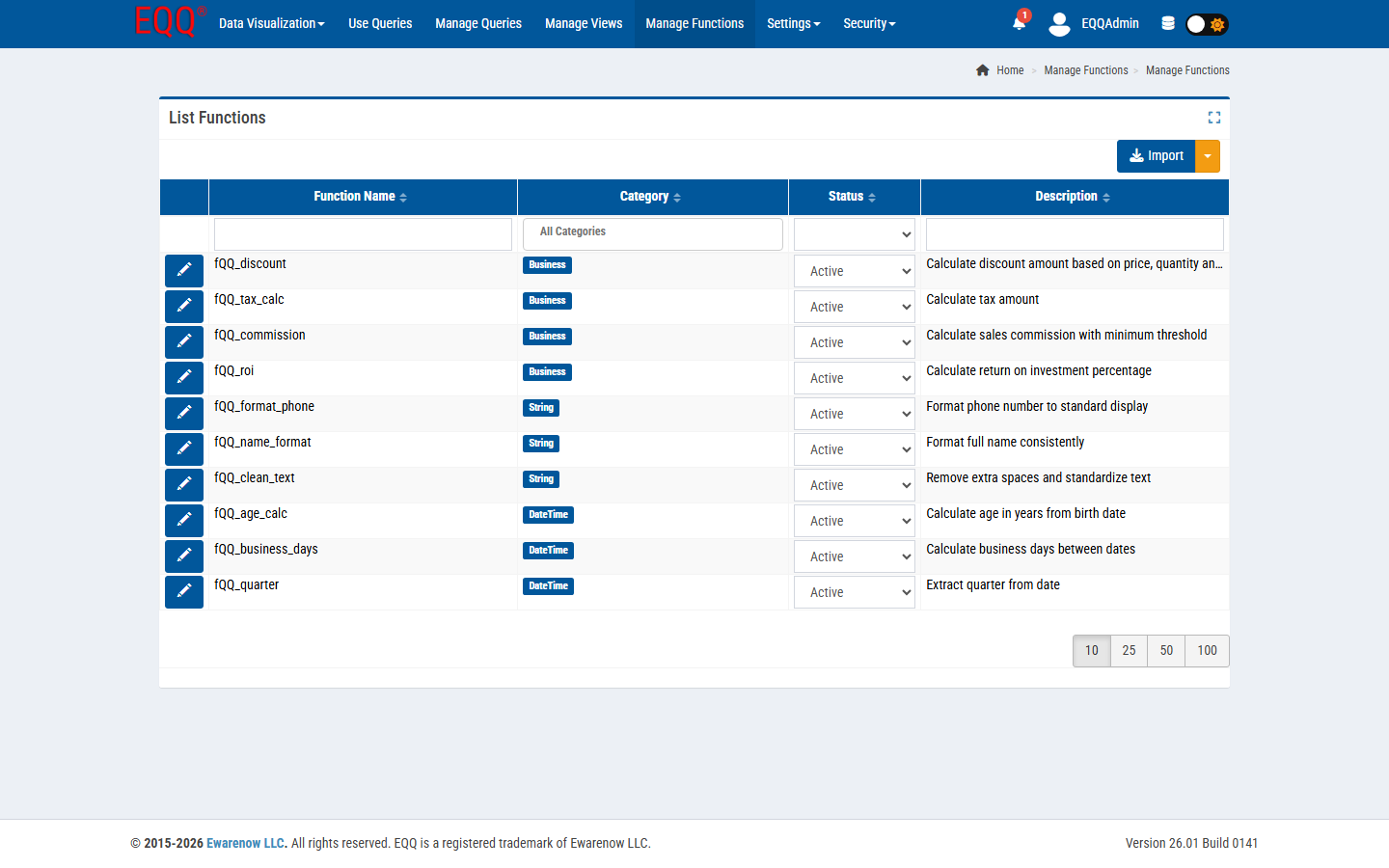
Example built-ins that ship with the Extended Edition:
| Function | Category | What it does |
|---|---|---|
| fQQ_discount | Business | Calculate discount amount based on price & quantity |
| fQQ_tax_calc | Business | Calculate tax amount |
| fQQ_commission | Business | Calculate sales commission with a minimum threshold |
| fQQ_roi | Business | Calculate return on investment percentage |
| fQQ_format_phone | String | Format phone number to a standard display |
| fQQ_name_format | String | Format full name consistently |
| fQQ_clean_text | String | Remove extra spaces and standardize text |
| fQQ_age_calc | DateTime | Calculate age in years from a birth date |
| fQQ_business_days | DateTime | Calculate business days between two dates |
| fQQ_quarter | DateTime | Extract the quarter from a date |
Toolbar
- Import - bulk-load a function package (
.json/.xml). The split button offers export too. - Blue pencil per row - edit the function body, category, and status.
Naming convention
User-defined functions in EQQ are prefixed fQQ_. This makes them easy to identify inside generated SQL and protects them from collision with vendor functions.
5.2 Function Categories
Functions are grouped by category for discoverability in the query builder's column editor.
Navigate: Settings → Function Categories.
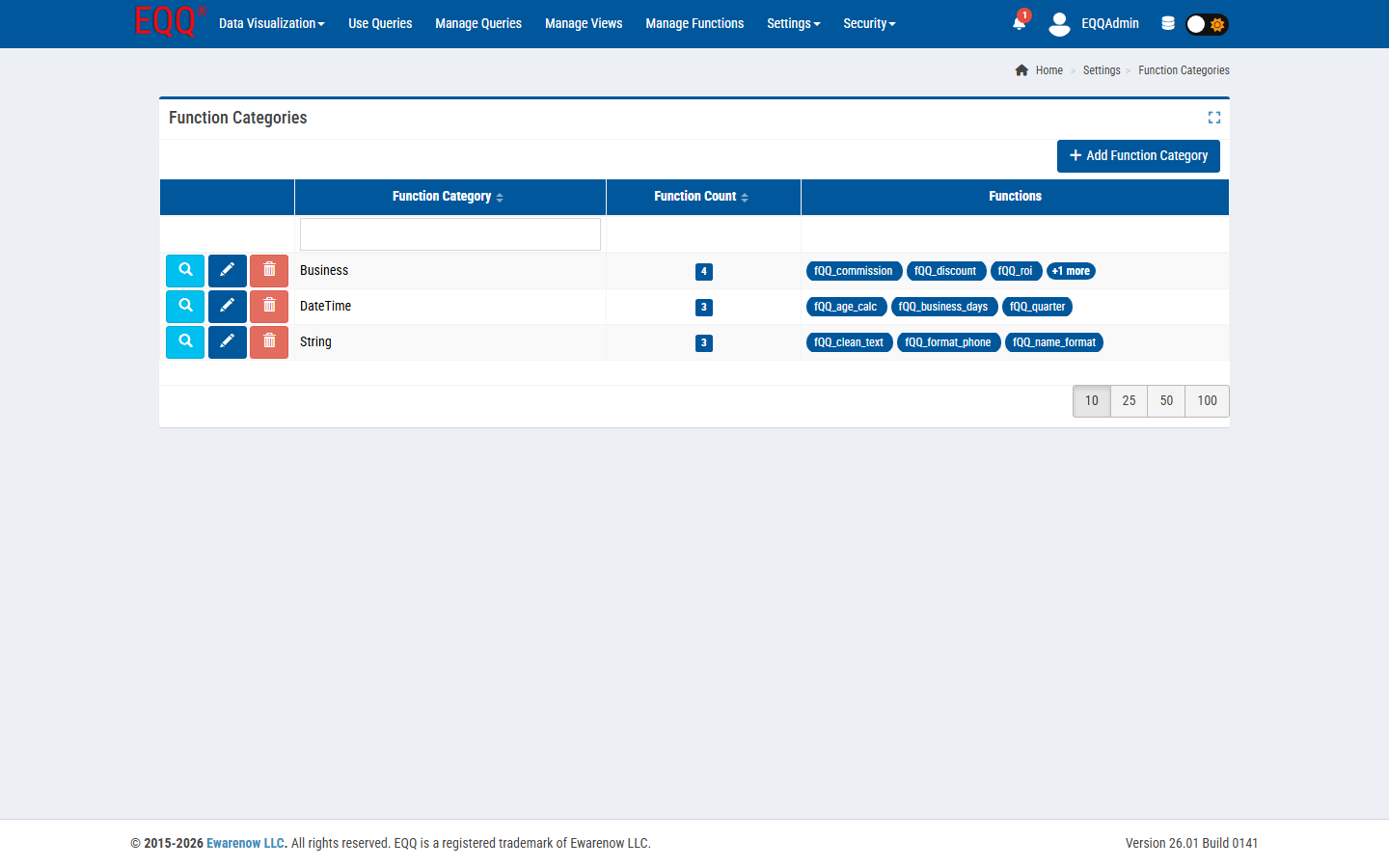
Default categories: Business, DateTime, String. The Function Count column shows how many active functions are in each category. Click + Add Function Category to create new groupings (e.g. Finance, Compliance).
5.3 Using a Function in a Query
In the Query Editor → Column List step:
- Add a column.
- Set the Source to Function (instead of View column).
- Pick a function from the category-grouped dropdown.
- Map the function's input parameters to either:
- A column of the underlying View, or
- A literal, or
- A query parameter.
- Give the result column a display name. Save.
On Generate Query, EQQ rewrites the output as:
inside the generated SQL.