Account & Security (Per-User)
7.1 My Account
Click your user name in the top-right to open My Account (/#!/my-account).
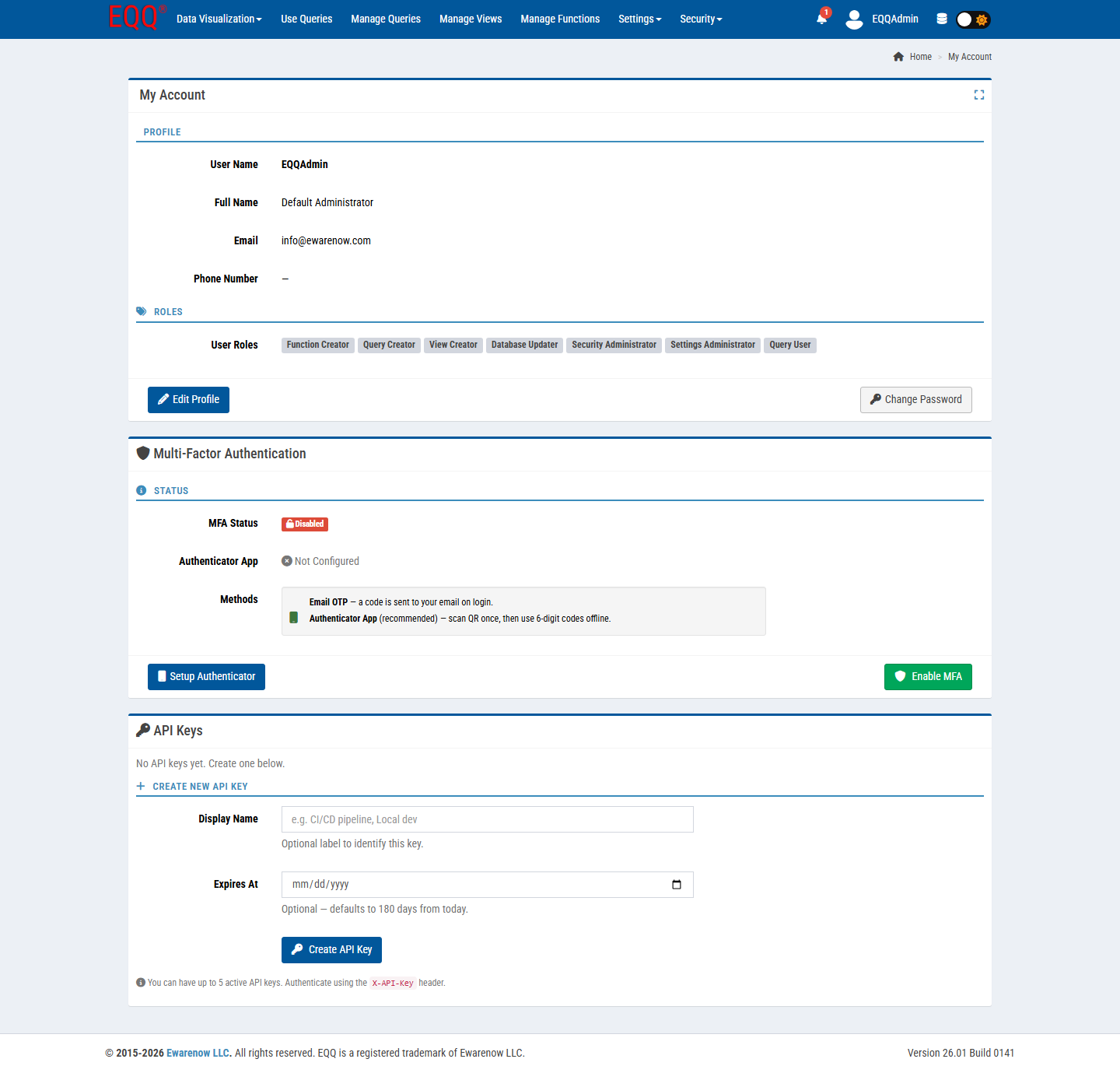
Three sections:
Profile
- User Name (read-only).
- Full Name, Email, Phone Number - click Edit Profile to change.
- Change Password button - opens a modal; subject to the password policy.
Roles
Read-only list of role tags granted to you (e.g. Query Creator, View Creator, Security Administrator). If you need a missing permission, ask a Security Administrator.
Multi-Factor Authentication
See below.
API Keys
See API Keys section.
7.2 Multi-Factor Authentication (MFA)
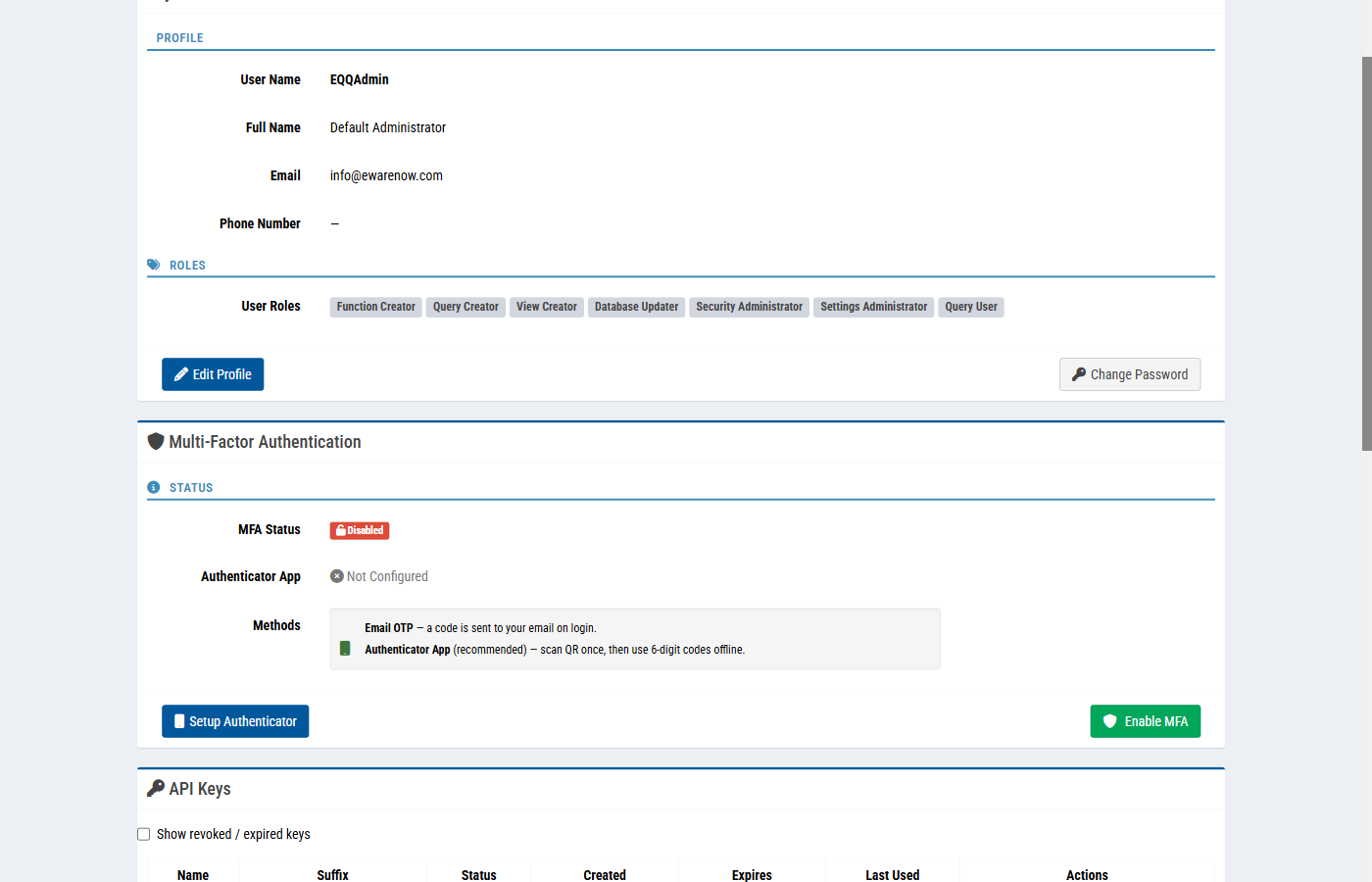
Two methods are supported:
- Email OTP - a 6-digit code is sent to your account's email address on every login.
- Authenticator App (recommended) - scan a QR code once, then generate codes offline (Google Authenticator, Microsoft Authenticator, Authy, 1Password).
Enrollment (Authenticator App)
- My Account → Multi-Factor Authentication → Setup Authenticator.
- A QR code and a secret appear. Scan with your authenticator app or enter the secret manually.
- Enter the current 6-digit code back into EQQ to confirm enrollment.
- Click Enable MFA. Status changes from Disabled to Enabled.
Login with MFA
After username/password, EQQ prompts for a TOTP code. If you tick Remember this device, EQQ sets a trust cookie for RememberDeviceDays (default 365).
Admin-level controls for MFA live in Settings → Control → MFA Settings:
Enabled- tenant-wide master switch.ExpirationSeconds- code validity window (default 7200 = 2 hours for Email OTP).MaxAttempts- default 3; locks the session on exceeding.RememberDeviceDays/RememberDeviceEnabled.
7.3 API Keys
Personal tokens for machine access. They are the recommended authentication method for Query To JSON - you avoid embedding usernames and passwords in scripts.
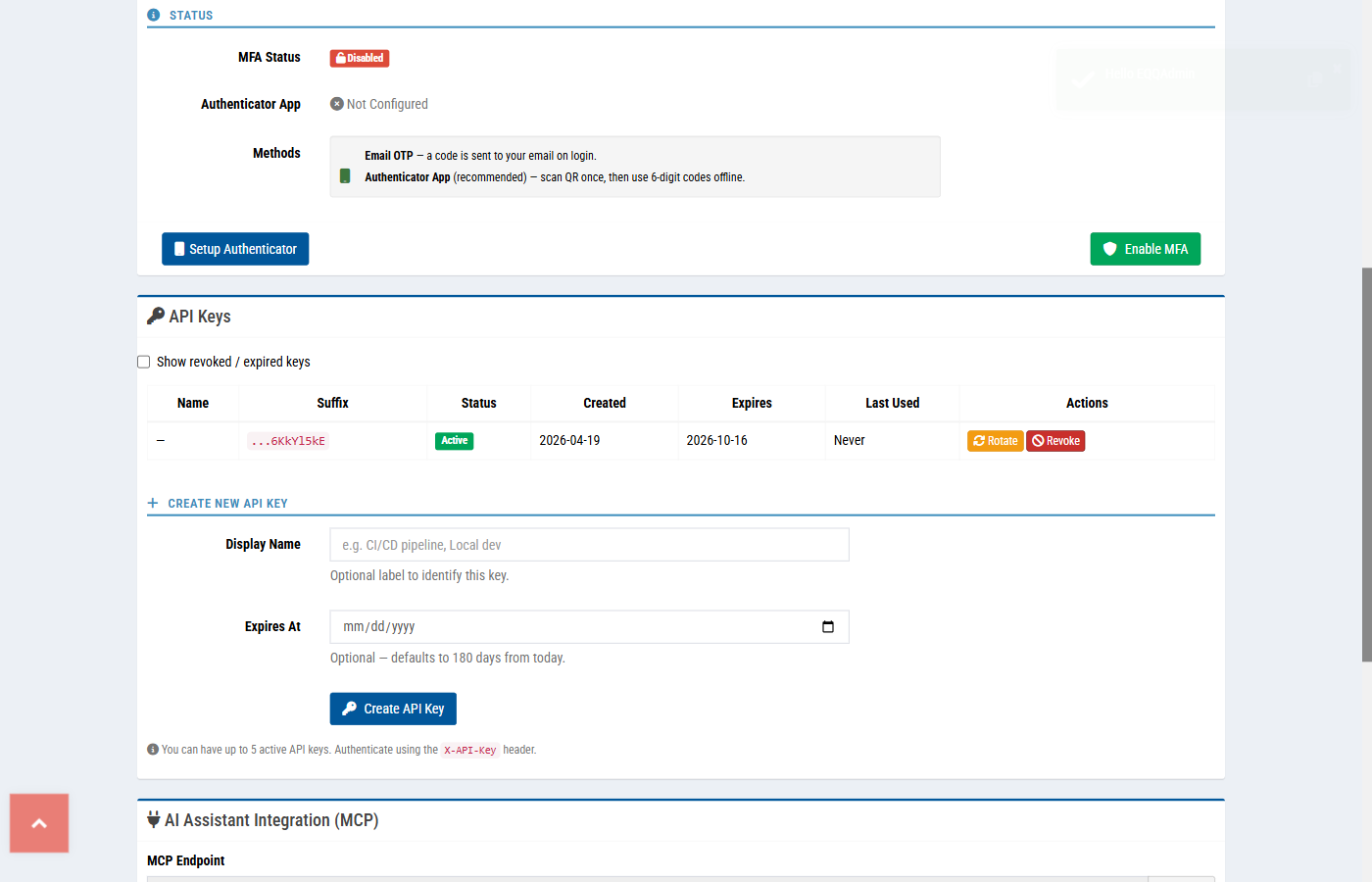
Create a key
- My Account → Create New API Key.
- Enter a Display Name (e.g. CI/CD pipeline, Local dev).
- Optional Expires At - defaults to 180 days from today.
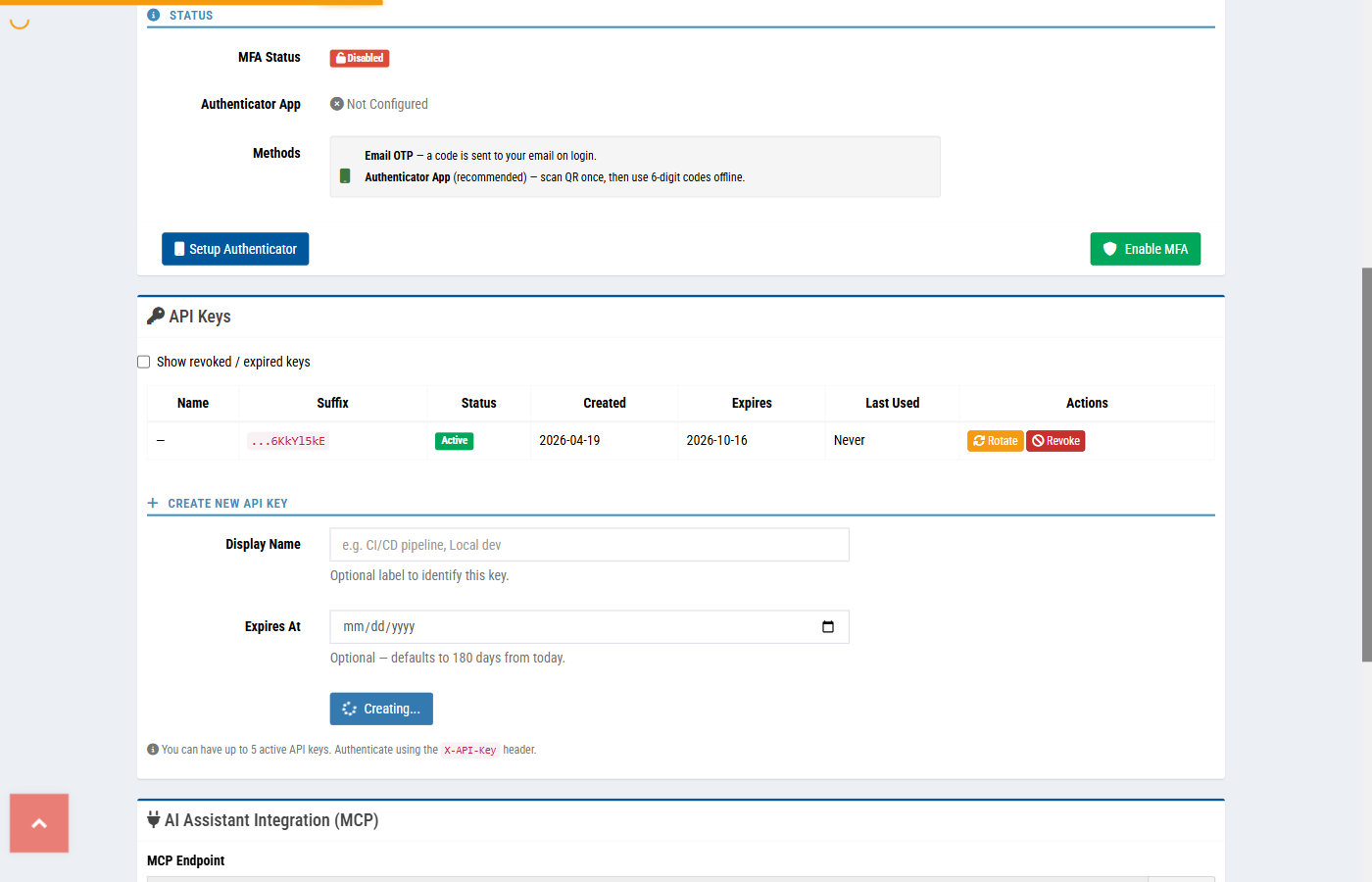
- Click Create API Key.
- Copy the key immediately - EQQ shows it once, never again.
Use it
Limits
- Up to 5 active keys per user.
- Keys inherit the user's role permissions and database scope.
- Revoke by clicking the delete icon on the key row.