Learn EQQ
This section teaches EQQ one job at a time. Pick the path that matches what you need to do today - each one stands alone.
Before you start: signing in
Open your EQQ URL (ask your administrator if you don't have it - by default http://<your-server>:8081/).
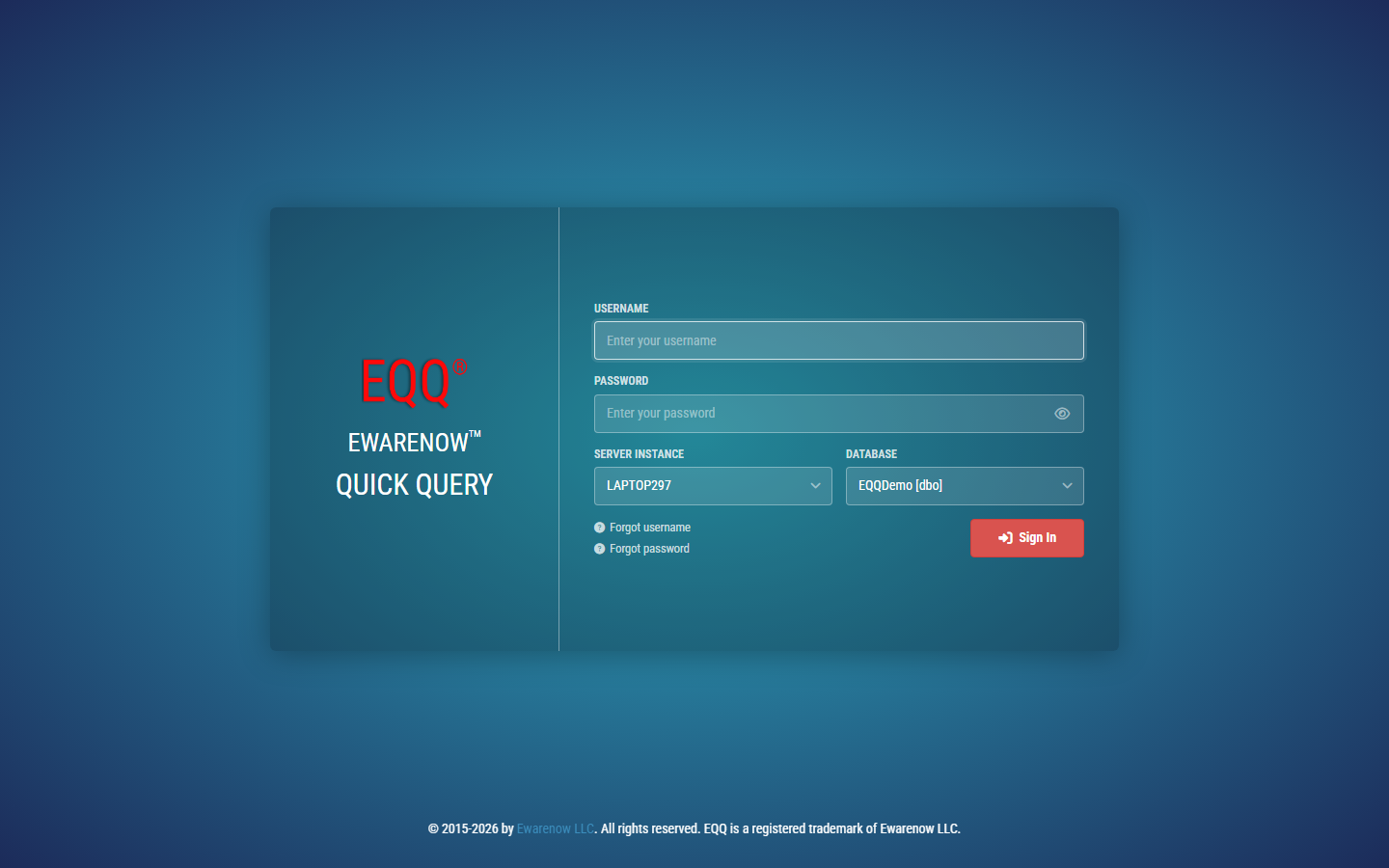
Enter your Username and Password, pick the Database you were given access to, and click Sign In. If your administrator enabled MFA, you'll be asked for a 6-digit code from your authenticator app or email.
You land on the Home dashboard:
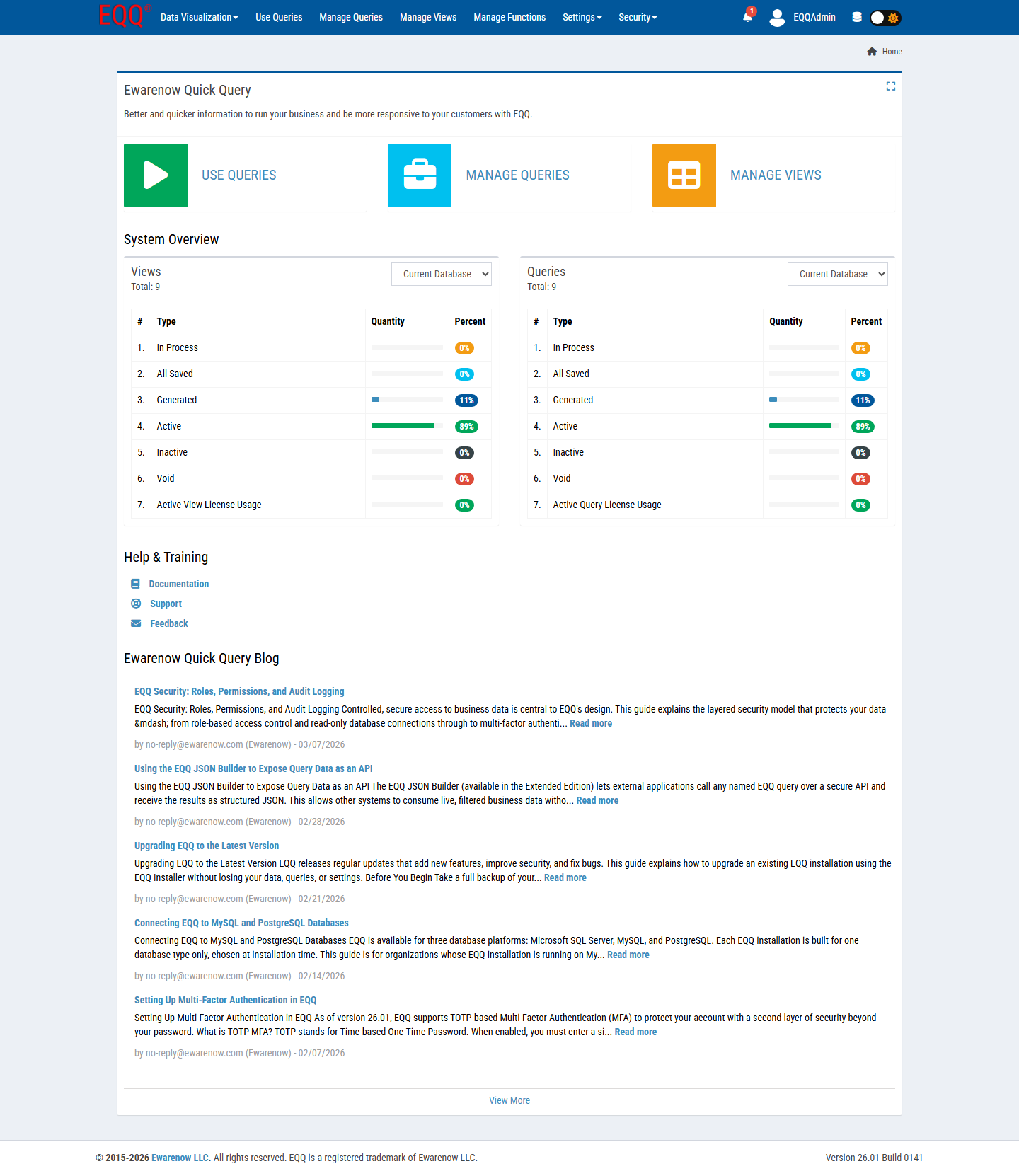
- Use Queries / Manage Queries / Manage Views - shortcuts to the three most common screens.
- System Overview - how many Views and Queries exist in your current database, and their status.
- Help & Training - links to this documentation, Support, and Feedback.
The top bar only shows menus your role can use - don't worry if yours looks sparser than someone else's.
Pick your path
-
I just need to run a report
Find an existing query, fill in a couple of fields, get your data in Excel, CSV, or JSON. No setup, no SQL.
-
I need to build a new query
Connect a database, design a View, build a parameterized Query, and publish it for your team to run - in about five minutes.
-
I'm setting EQQ up for my team
Install EQQ, add users and roles, and get your license activated.
-
I want an AI assistant to query my data
Connect Claude, Copilot, or Cursor to your EQQ queries over MCP.
Need something these paths don't cover? The Reference section documents every screen and every field in depth.