

The EQQ data model has three nouns: Views, Queries, Functions. Many first-time users flatten them into one idea - and then wonder why the app has three menus. Here is the separation that makes EQQ scale.
Why traditional database access creates bottlenecks
Without a governance layer, every analyst needs direct table access or a custom export — IT becomes a bottleneck, permissions sprawl, and there is no audit trail. EQQ solves this with three distinct layers: Views, Queries, and Functions, each owned by a different role.
Views define what data is available
A View is a curated projection of your schema: “from the Customers and Orders tables, here are the columns business users are allowed to query.” EQQ supports two types of Views: an Imported View (pulled directly from your database schema) and a Created View (defined manually within EQQ). Views are where governance lives.
Queries ask a question
A Query reads from a View (or multiple Views) and answers a specific question: “revenue by region for date range X to Y”. Queries are parameterized and versioned.
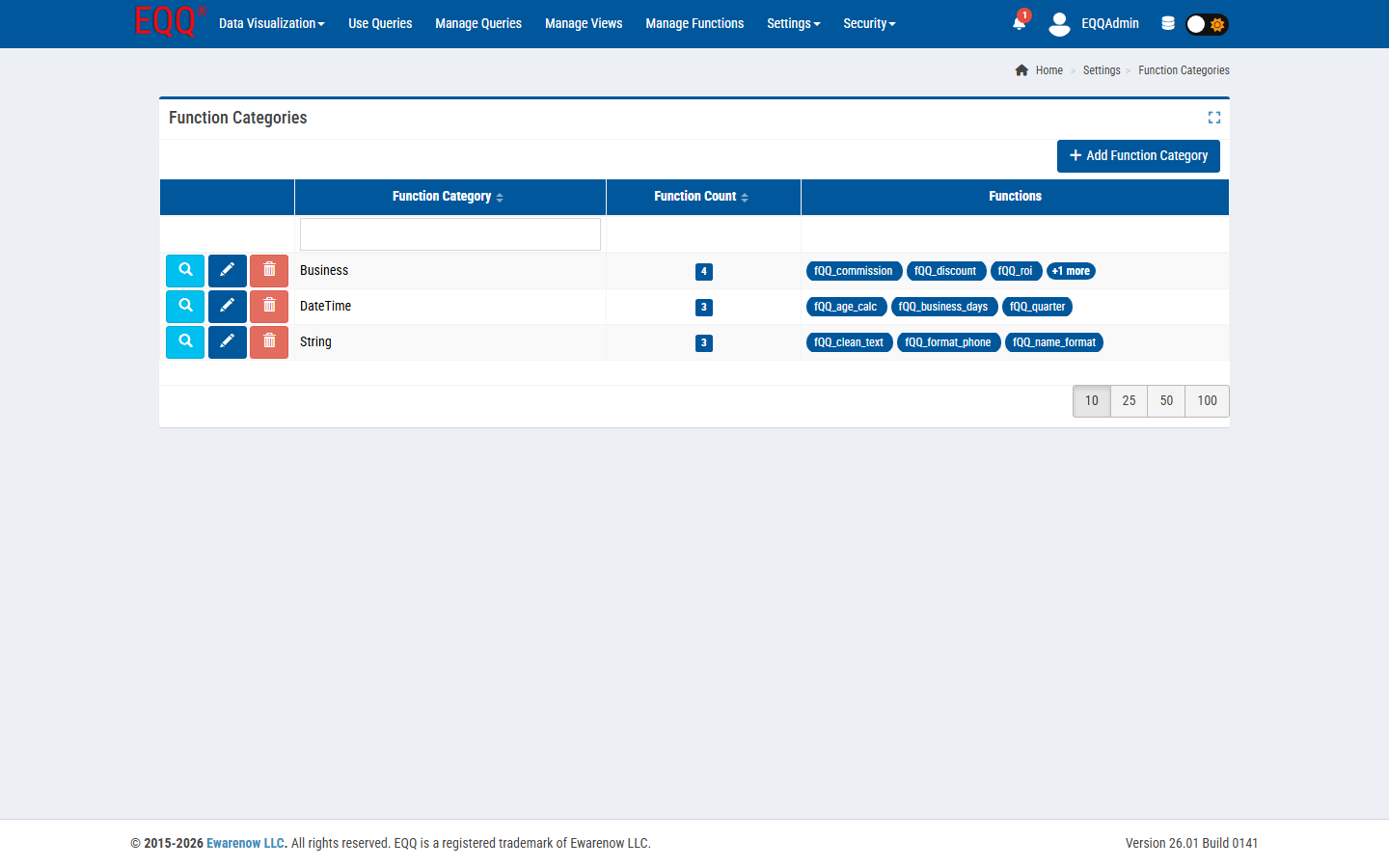
Functions are reusable logic
A Function (e.g. fQQ_MonthBucket) is a snippet used by many queries. Change the function once, every query using it updates. Functions have a simpler status model than queries — just Active or Inactive — because they do not require the full promotion lifecycle that queries go through (In Process → All Saved → Generated → Active).
Why three layers, not one
- The data steward owns Views: curation, access.
- The analyst owns Queries: specific questions.
- The power user owns Functions: shared logic.
Each role can iterate independently. Change a View without breaking the analyst's query. Change a Function without rewriting the View. This is the Unix-philosophy applied to database access.
Want more Information?

Ewarenow
Related Posts
-

-

Close Month-End Faster With EQQ
Jun 19, 2026 -


