

Small and mid-sized businesses do not have a Chief Data Officer. They have an IT manager who is also the sysadmin, and a finance lead who has been burned by Excel-VLOOKUP hell. This playbook is for them.
Week 1: install EQQ and inventory your top recurring data requests
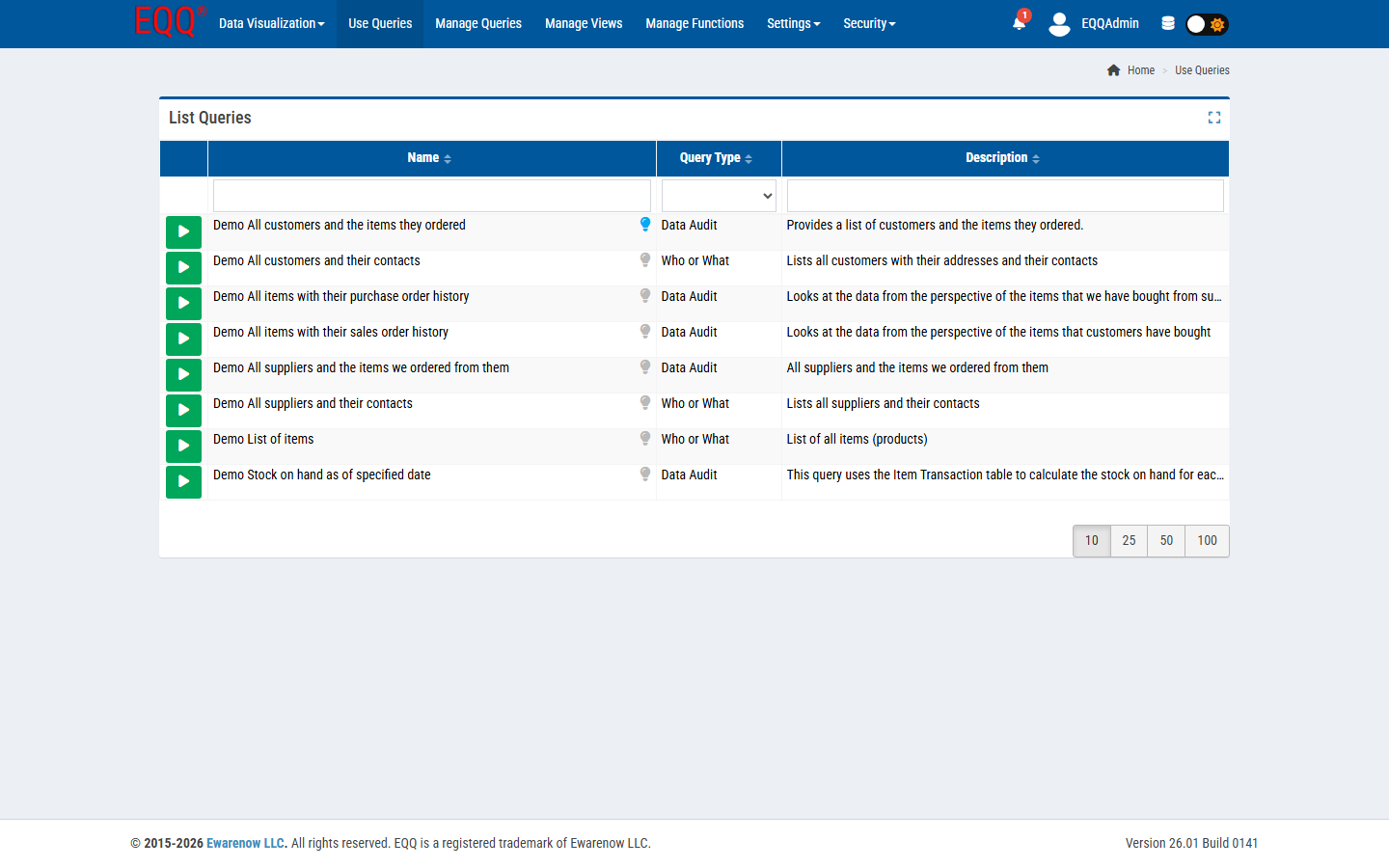
Stand up EQQ on the server that already hosts your internal apps. Inventory the top five recurring data questions finance, ops, and sales ask IT every month.
Week 2: build five governed queries that answer the questions you inventoried
For each question, build a View + Query + Role. Do not aim for elegance; aim for a green ‘Active’ flag.
Week 3: run a three-user pilot and watch where they get stuck
Pick one finance, one ops, one sales user. Give them a 30-minute walkthrough. Watch where they click, where they get stuck, what they export.
Week 4: fix friction, add parameter defaults, and rename columns to match how your team talks
Fix the three biggest friction points. Add parameter defaults. Rename columns to the words the pilot users used.
Week 5: open EQQ to the full team and measure the drop in IT data tickets
Roll EQQ out to the rest of finance, ops, and sales. Measure the IT ticket volume for “can you pull…” requests for the following month.
What to expect after a five-week EQQ rollout
The most immediate change is the volume of "can you pull this for me?" IT tickets. Once the five core queries are live and users can run them independently from the Use Queries page, those recurring requests stop arriving in the IT queue. Finance can run their own AR aging and revenue comparisons without filing a ticket, and the queries always use the same column definitions so results are directly comparable month over month.
Query lifecycle management means queries move through states — In Process while being built, Active once approved for use, and Inactive or Void when retired — so users are never running a stale or experimental version by accident. Role-based access, configured during Week 2, ensures that only users with the Use Queries role permission can execute queries against production data.
The audit trail built into EQQ means every query execution is logged: who ran it, when, with what parameters, and how many rows were returned. That log becomes the answer if a manager ever asks "where did this number come from?" — the controller can point to the exact query run and the exact result set.
- Month 1 ticket volume drops 30-50%.
- Finance closes the month 2-3 days faster.
- Sales stops sending IT the same pivot request every Friday.
- IT gets real weekends back.
Want more Information?

Ewarenow
Related Posts
-

-

Close Month-End Faster With EQQ
Jun 19, 2026 -

5 Ready-to-Run Queries for Labs and Compliance
Jun 15, 2026


