

Month-end close has a predictable shape: reconcile, accrue, review, report. EQQ accelerates each step by letting the controller run the same queries on demand instead of waiting for IT.
Day -2: reconcile AR and AP aging to clear exceptions before the period closes
Run the AR and AP aging queries. Export to Excel. Close exceptions before the period closes.
Day -1: accrue unbilled revenue and open POs before the period locks
Run the “invoices received after period end” query to size unbilled revenue. Run the “POs open and received” query to size accrued expenses.
Day 0: verify the close with automated transaction and journal-entry checks
The ERP does the close. EQQ does the checks: “any transactions after close-date?” “any orphan journal entries?”
Day +1: run the month-over-month P&L comparison and populate the board pack
Run the month-over-month P&L comparison. Export to Excel; drop into the board pack.
Day +2: export the query audit log into the close workpapers folder
Export the audit log for the period and drop it in the close workpapers folder. If an auditor ever asks “who looked at what?”, you have the answer.
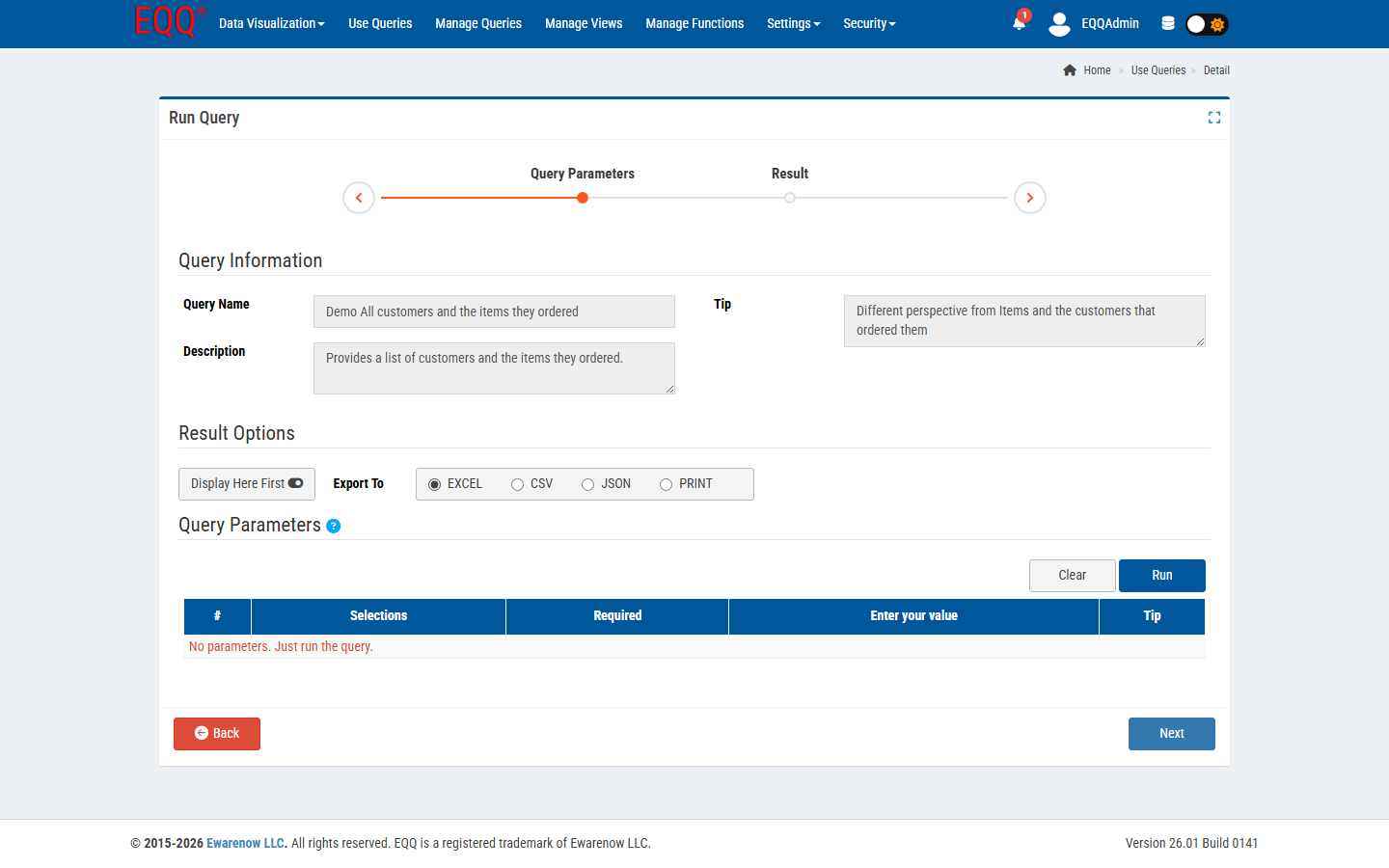
What changes vs manual close
The most significant change is that the controller is no longer dependent on IT to pull numbers. Every query used during close is stored as an Active EQQ query with a fixed lifecycle state, which means it cannot be accidentally edited mid-close. The same SQL, the same parameter defaults, and the same column names run every month — so "revenue" in August means exactly the same thing as "revenue" in September.
Because every query execution is logged in the EQQ audit trail — recording who ran it, at what time, with which parameters, and how many rows were returned — the close workpapers are built automatically as work progresses. There is no need to screenshot a spreadsheet or write a memo explaining where a number came from: the audit log entry is the evidence.
The export workflow is also standardised. Each query result exports to a consistent column layout, so the Excel templates and board-pack models that consume these outputs do not need to be rebuilt each month when a column shifts position or a field is renamed.
- Fewer “can you run this one more cut” IT tickets.
- Consistent definitions - revenue in August means the same thing as revenue in September.
- Reproducible numbers: re-running the same query with the same parameters yields the same rows.
Key Terms
- AR - Accounts Receivable - outstanding invoices owed to the business by customers.
- AP - Accounts Payable - outstanding bills the business owes to vendors and suppliers.
Want more Information?

Ewarenow
Related Posts
-

-

-

5 Ready-to-Run Queries for Labs and Compliance
Jun 15, 2026


