

Parameters turn a static query into a reusable tool. Without them, you end up with 40 near-identical queries for 40 date ranges. With them, you have one query your whole team uses.
Two syntaxes, one idea
- SQL Server:
@StartDate,@EndDate,@RegionId - MySQL / PostgreSQL:
:StartDate,:EndDate,:RegionId
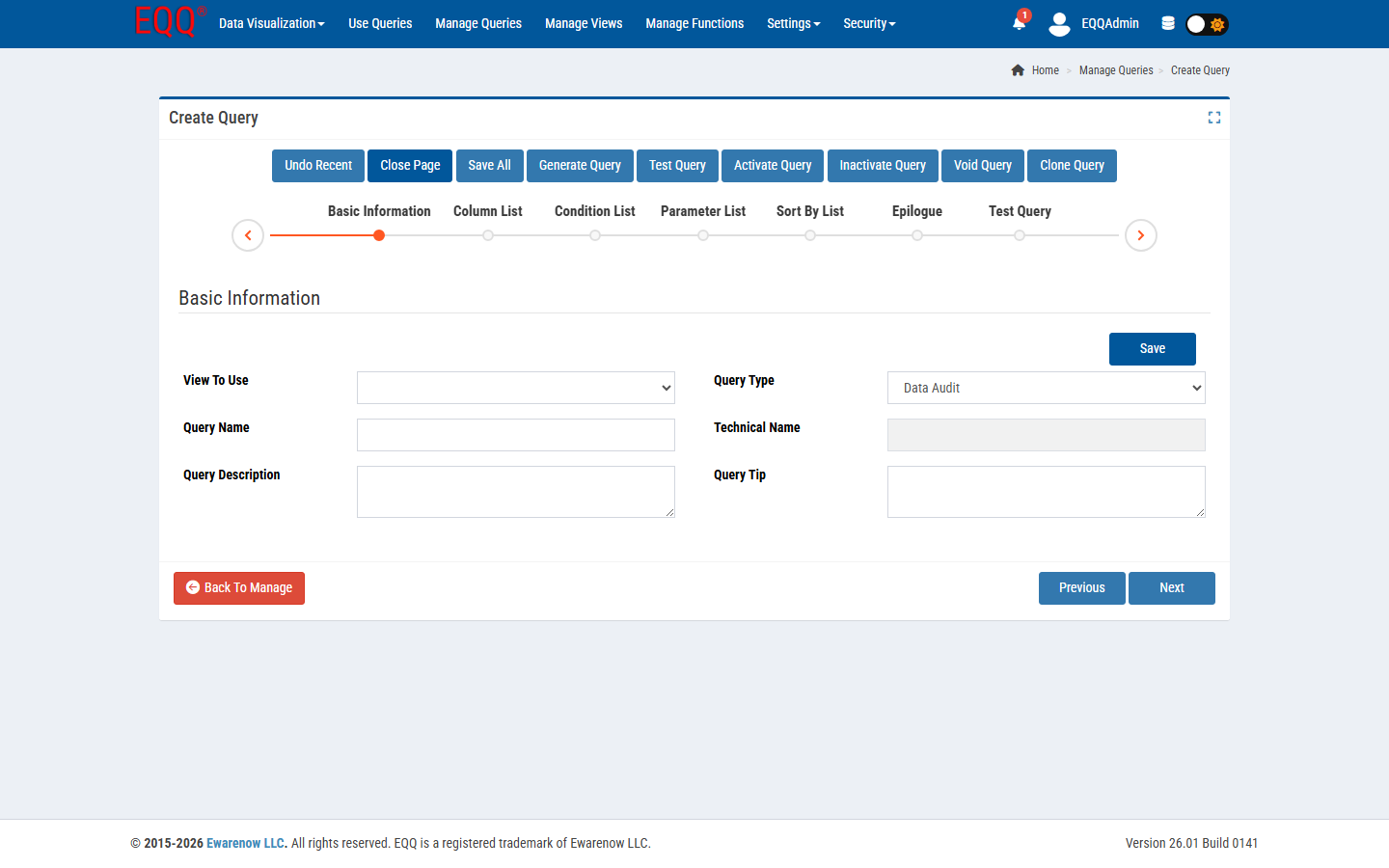
In the EQQ query editor, open the Parameters panel and define:
- Name - must match the token in your SQL.
- Type - date, int, string, list, boolean. For the list type, EQQ enforces a maximum of 6 entries (
ParameterListTypeLimit), keeping multi-select inputs manageable for end users. - Default - pre-fills the input field for end users.
- Required - enforces a value before Run is enabled.
- Lookup - pulls choices from another View so users pick from a list instead of typing.
Parameter patterns that eliminate the most support requests
- Date range with sensible defaults - default
@StartDateto month-start,@EndDateto today. - Multi-select region - type list, populated from a
SELECT DISTINCT region FROMView. - Optional filters - leave the parameter nullable and write
WHERE (@CustomerId IS NULL OR CustomerId = @CustomerId).
Why parameters matter for safety
EQQ passes parameters as bound values, not string-concatenation. That means no SQL injection, no accidental schema scans, and predictable plan caching on the database side. You get flexibility for end users without surrendering discipline.
Want more Information?

Ewarenow
Related Posts
-

-

Close Month-End Faster With EQQ
Jun 19, 2026 -


