

Excel is still the final mile for most business data. EQQ understands this: every result grid has a one-click Export → Excel that preserves column types, dates, and your active sort order.
What a well-formatted EQQ export looks like in Excel
- Typed columns - numbers stay numeric, dates stay dates.
- Frozen header row with the filter dropdowns Excel users expect.
- Auto-fit column widths.
- Metadata sheet with query name, user, run time, and parameter values. Perfect for audit attachments.
How EQQ handles large result sets without crashing Excel
Excel caps at 1,048,576 rows per sheet (LimitRowExcelPerSheet). EQQ handles larger results in two ways:
- Pagination - split across multiple sheets automatically.
- Background job - queries returning more than 5,000 rows (
LargeQueryResultThreshhold) trigger large-query handling: EQQ queues the export as a background task, then notifies you when the download is ready. This prevents browser timeouts on heavy result sets.
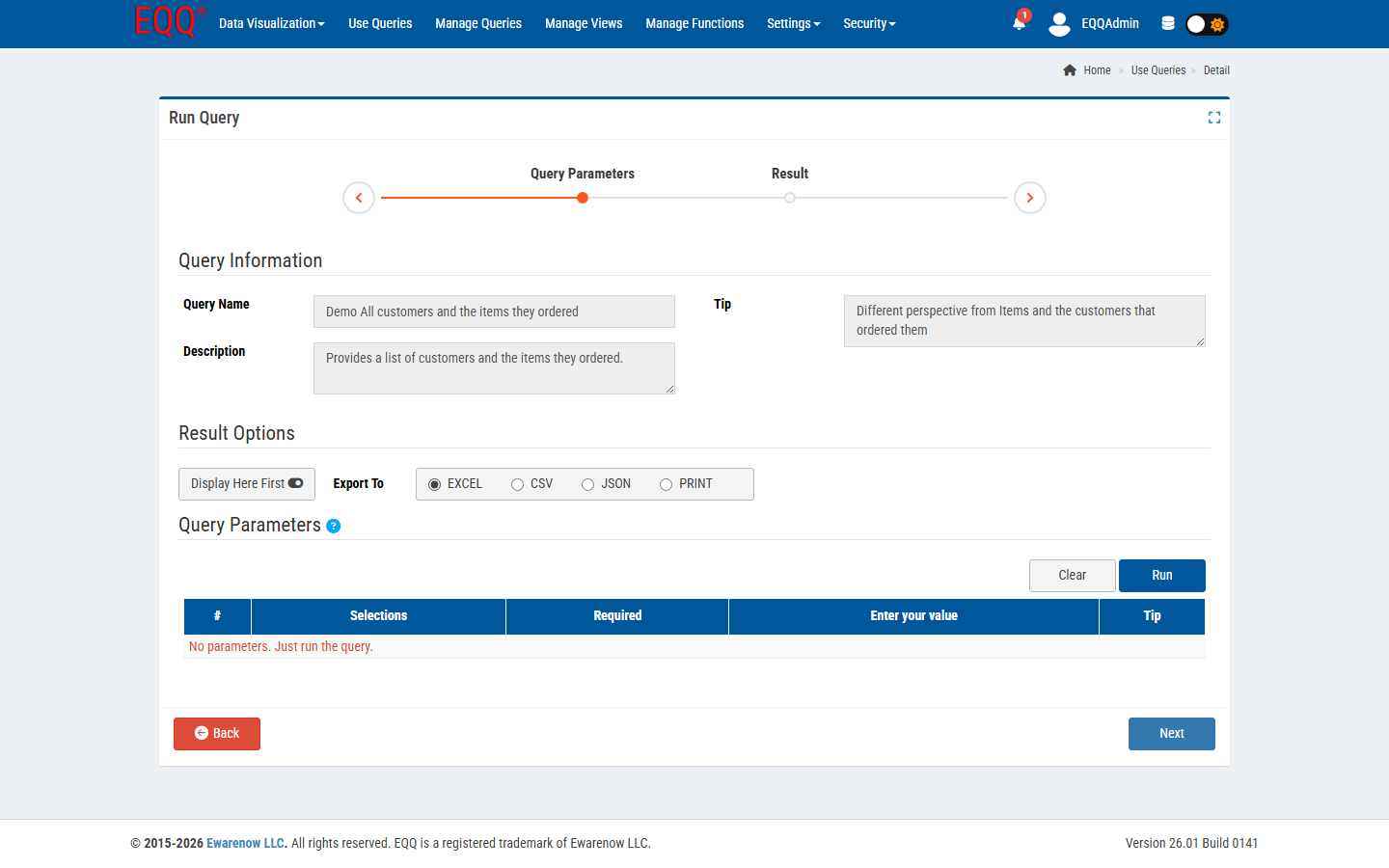
Tips for consistently polished exports your stakeholders will open without reformatting
- Set column labels in the query designer - they become the Excel headers.
- Use EQQ functions like
fQQ_FormatCurrencyto pre-format numbers before export. - For repeatable cuts, save a View with the right columns and order, then reuse.
Want more Information?

Ewarenow
Related Posts
-

-

Close Month-End Faster With EQQ
Jun 19, 2026 -


