

Power BI, Tableau, Crystal Reports, and EQQ can all “show you data from a database.” They do very different jobs. Here is a clear head-to-head.
EQQ, Power BI, and Crystal Reports: Built for different jobs
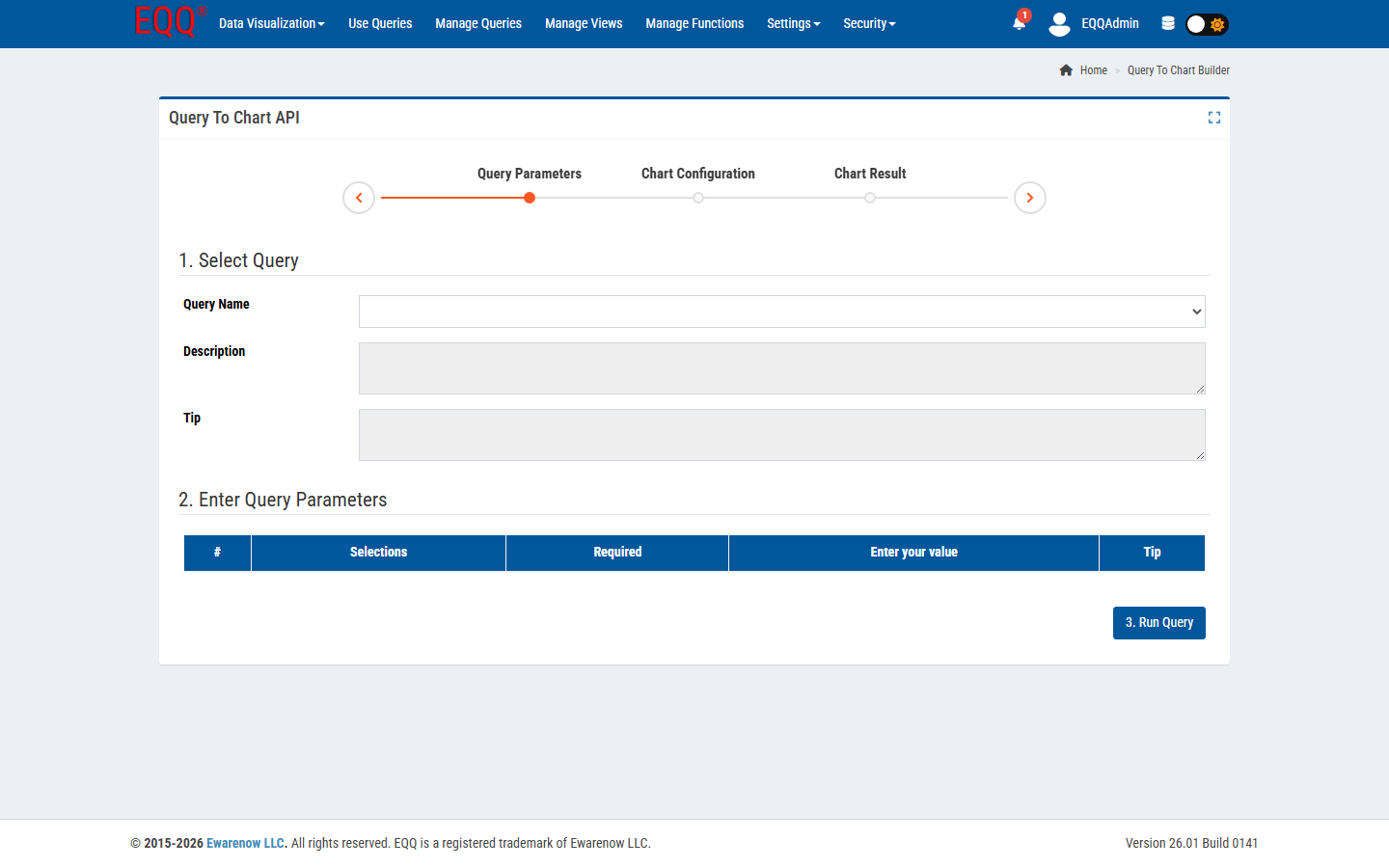
| Tool | Best for | Where it struggles |
|---|---|---|
| Power BI | Executive dashboards, DAX modeling, storytelling | Real-time data, role-based SQL, API publishing |
| Tableau | Analytical exploration, pixel-perfect vizzes | Lightweight ops dashboards, self-hosted cost |
| Crystal Reports | Print-fidelity reports | Modern web UX, API-first workflows, AI |
| EQQ | Self-service SQL, governed queries, REST + MCP, operational grids | Cross-source semantic models, complex visual design |
Choosing the right tool for your use case
- Your users need fresh data, not yesterday's snapshot.
- You have 1 database (or a few) and need governed self-service.
- You need queries to also be REST endpoints, without running a separate API project.
- You want AI assistants to query live data safely.
- You cannot tolerate sending data to SaaS for reporting.
When it is not
- You need to federate five data sources with a semantic layer - reach for Power BI.
- You need pixel-perfect printable invoices - keep Crystal Reports.
- You are telling a story to the CEO - use a dashboard tool with better annotation.
The sweet spot for EQQ is the “boring” 80% of business reporting: governed cuts of a relational database, delivered as grids, Excel, JSON, or charts, with role-based access and AI-readiness. That is what EQQ is purpose-built for.
Want more Information?

Ewarenow
Related Posts
-

-

Close Month-End Faster With EQQ
Jun 19, 2026 -


