

A production EQQ install has three operational concerns: keeping data safe (backup), knowing what happened (audit), and staying in license (license management). None are complicated; all matter.
Three operational pillars of every production EQQ install
EQQ stores its metadata — queries, views, roles, settings, and audit records — in a dedicated SQL Server database named EQQuery (configured via the SourceDatabase setting key in App Settings). Back it up with your normal SQL Server tooling: full + differential + log shipping. Restore drills should include bringing EQQ up against the restored EQQuery database — the app pool picks up the restored state automatically without any manual reconfiguration.
Audit retention: configure how long the trail is kept and where it goes
Under Settings → Control (the App Settings page), set Audit retention days. Default is 365. For compliance-heavy environments, extend it and pair with a nightly export of the audit table to cold storage.
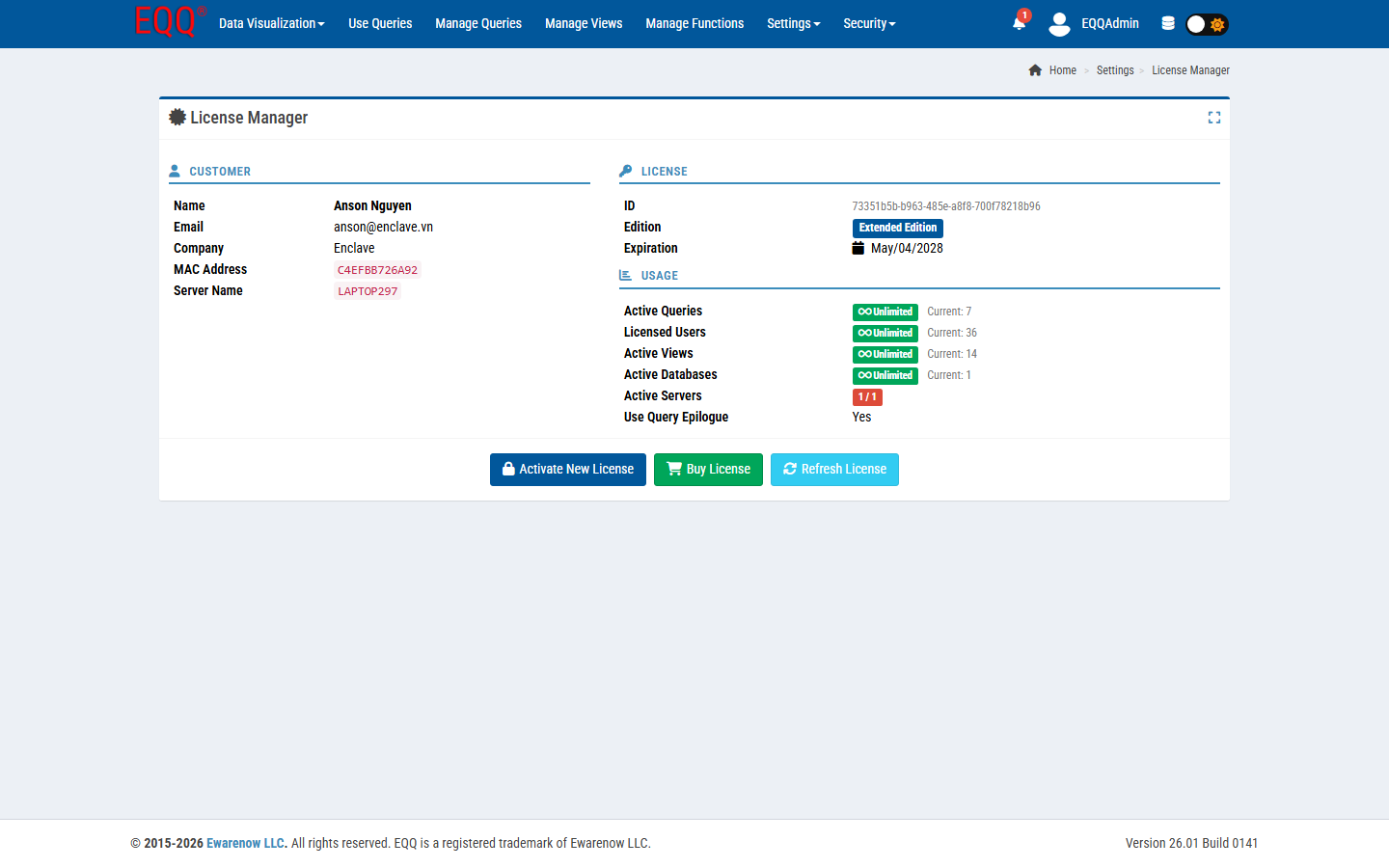
License management: monitor CUSTOMER, LICENSE edition, and USAGE in one panel
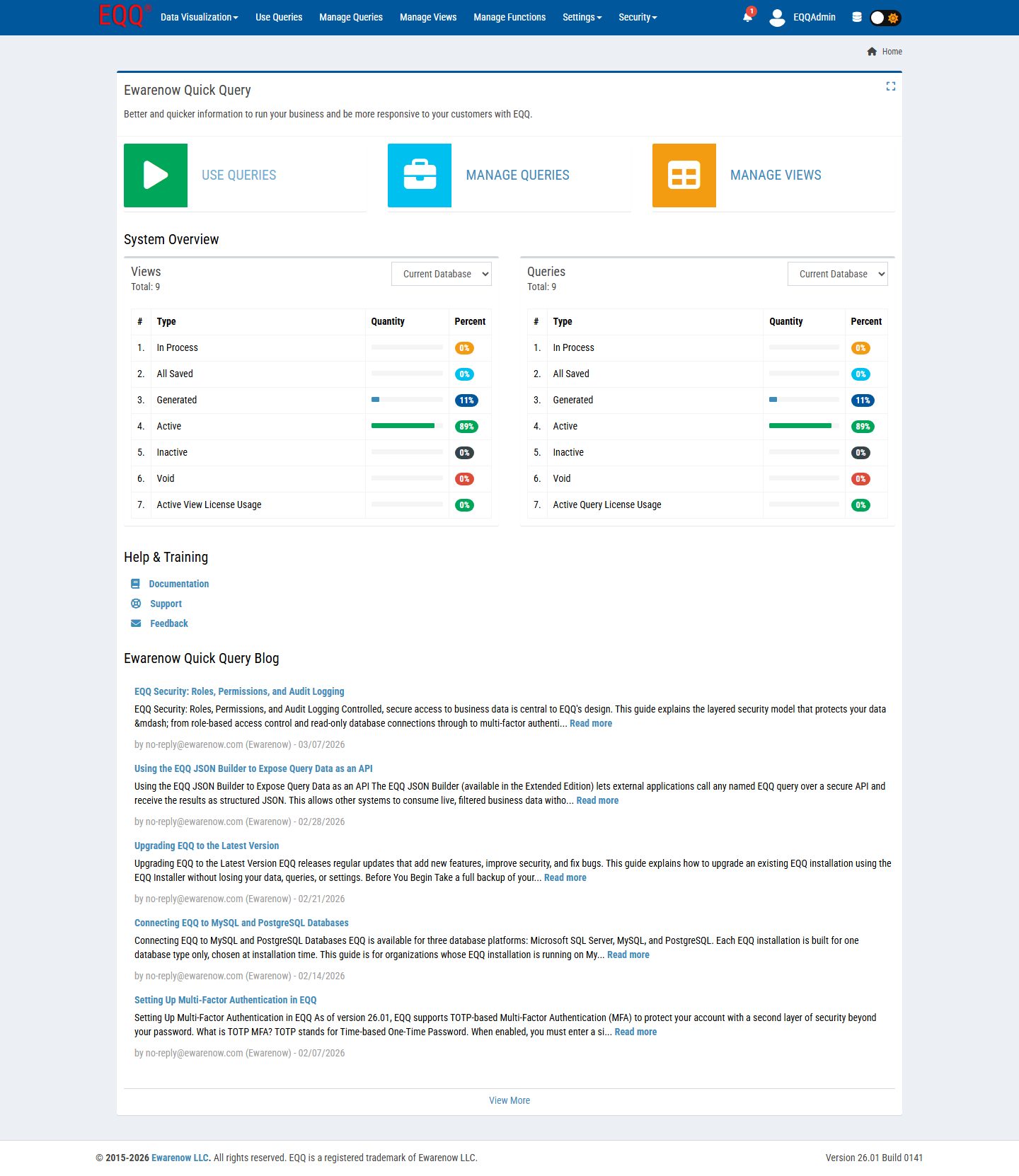
Under Settings → License Manager, the panel is divided into three sections: CUSTOMER (your organisation and license key details), LICENSE (edition and expiration), and USAGE (live counters for Active Queries, Licensed Users, Active Views, Active Databases, and Active Servers). EQQ's Home dashboard also shows license headroom so admins catch a ceiling before end users do.
Upgrade and renewal: drop a new license file with no restart required
Drop a new license file into Settings → License Manager. No restart needed. Extended Edition unlocks MCP/AI integration plus unlimited queries, users, and views — the USAGE counters in the License Manager will reflect the updated entitlements immediately after the new file is applied.
Want more Information?

Ewarenow
Related Posts
-

-

Close Month-End Faster With EQQ
Jun 19, 2026 -


