

If you have EQQ's MCP Gateway running, your AI assistant is already able to do these five things today. No code changes. No new tools.
1. Answer data questions in chat
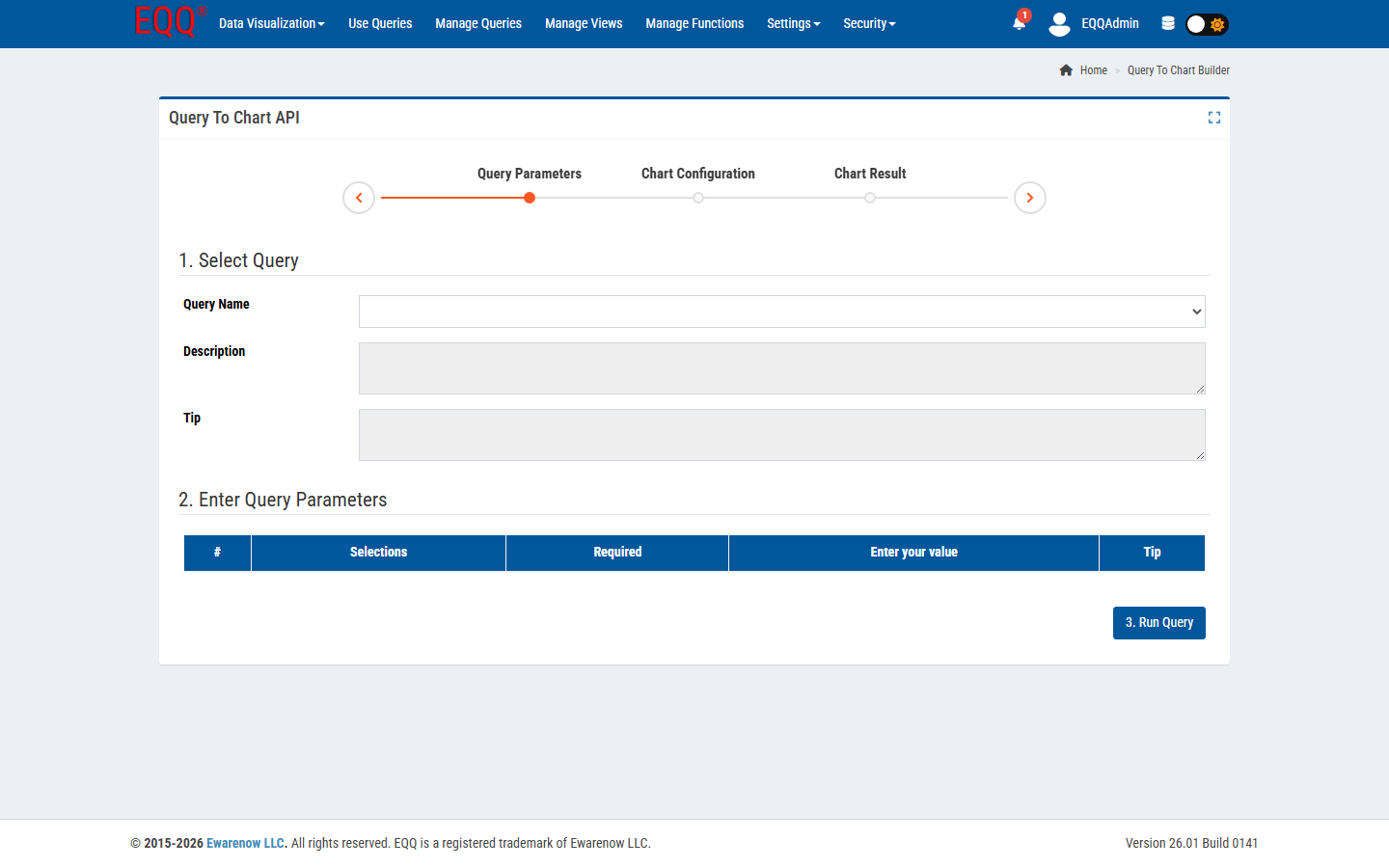
“How many shipments left the Vegas warehouse yesterday?” → one query call, one number back.
The AI calls list_queries to discover what questions are answerable, then invokes the right query by name with the parameters you provide in natural language. Because all queries are governed and pre-built in EQQ, the answer is as reliable as the query itself — no hallucinated SQL, no ad-hoc joins. Roles control which queries each user or API key can call, so the same conversational interface enforces your access policy automatically.
2. Reconcile two sources
Ask Claude to run system-A totals and system-B totals for the same period, diff them, and highlight discrepancies. You get a minute of AI work instead of an afternoon of Excel. Both queries run under governed, audited conditions, so the reconciliation itself is reproducible and traceable. Because EQQ's lifecycle states move queries through In Process, All Saved, Generated, and Active stages, you can be confident the queries being compared are the current approved versions.
3. Explain a number
“Why did revenue dip last week?” → Claude runs the revenue query, then the per-region breakdown, then the top-10 customers-by-drop query. Three calls, one clear narrative. The AI chains multiple EQQ queries in a single conversation turn, correlating the results without writing a line of SQL. Every call is logged in the audit trail, so you can retrace the exact analysis that produced the explanation.
4. Draft a report
“Write me the weekly ops report.” → Claude runs the standard suite, writes markdown with the numbers, and you paste it into Confluence. The underlying queries are Active-state EQQ queries, so the same report produced this week will pull from the same logic next week without any maintenance. Role permissions ensure the AI key used for reporting can only read the approved query set, not modify any data.
5. Generate test fixtures
Developers: “export 100 real-shaped anonymized orders from the last month” → Claude calls export_query with the anonymization query, hands back a JSON file. The query runs under a scoped API key that has no access to PII columns, so anonymization is enforced at the role layer rather than relying on the developer to remember it. Test data generation that would take hours of manual copying is reduced to a single prompt.
None of these required ML engineers, a new dashboard, or a vendor procurement cycle. Just a running MCP Gateway and an API key scoped to the right role. To get started: go to My Account → AI Assistant Integration in EQQ, copy the MCP configuration block, and paste it into your AI assistant's tool configuration — your assistant will immediately see the list of available governed queries.
Key Terms
- ML - Machine Learning - a branch of AI in which models learn patterns from data rather than following explicit rules.
Want more Information?

Ewarenow
Related Posts
-

-

Close Month-End Faster With EQQ
Jun 19, 2026 -


